SectorHUD
If you run a heavily modded map setup (ProMods, Rusmap, Roextended, various regional additions), you've probably wondered at some point: which mod is actually active right here?
SectorHUD answers that question in real time, directly on your screen.
What it does
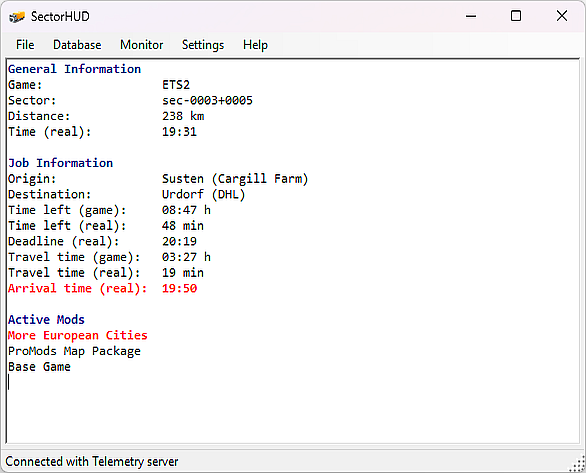
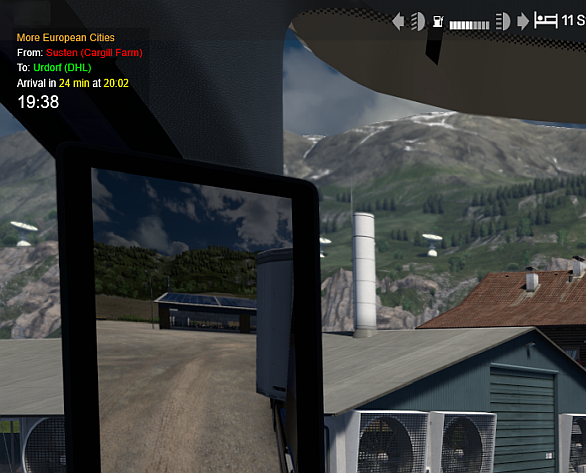
SectorHUD is a small Windows overlay tool for ETS2 and ATS. While you drive, it displays a compact, always-visible HUD that shows:
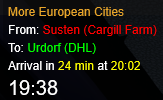
- The active map mod at your current position – identified by sector, ranked by load priority, so you always see the top mod first
- Job info – origin, destination, and – most usefully – your estimated real-world arrival time, so you know whether you'll make it before dinner
- A real-time clock, so you don't have to alt-tab just to check the time
Behind the scenes, SectorHUD maintains a SQLite database of all your active mods and the map sectors they cover. It reads your mod list directly from 'game.log.txt' and scans each .scs/.zip file for contained sectors. The overlay updates automatically as you drive across mod boundaries.
Setup is straightforward
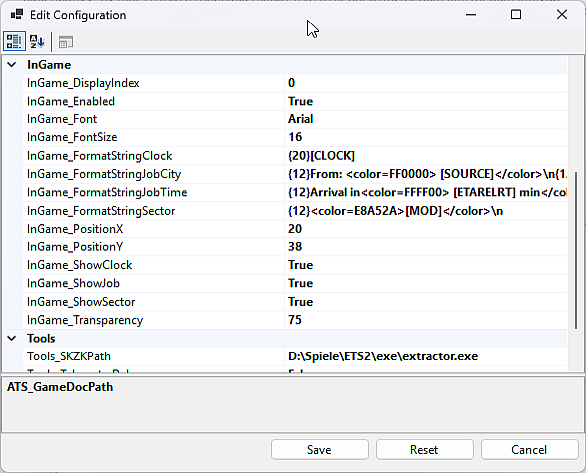
Install, point it at your game folders (usually auto-detected), run a one-time database scan, start the monitor. The overlay sits in a corner of your screen – position, font, size, and transparency are all adjustable. Multi-monitor setups are supported.
This tool requires the FunBits Telemetry Web Server. It can be downloaded from github.com/funbit/ets2-telemetry-server.